
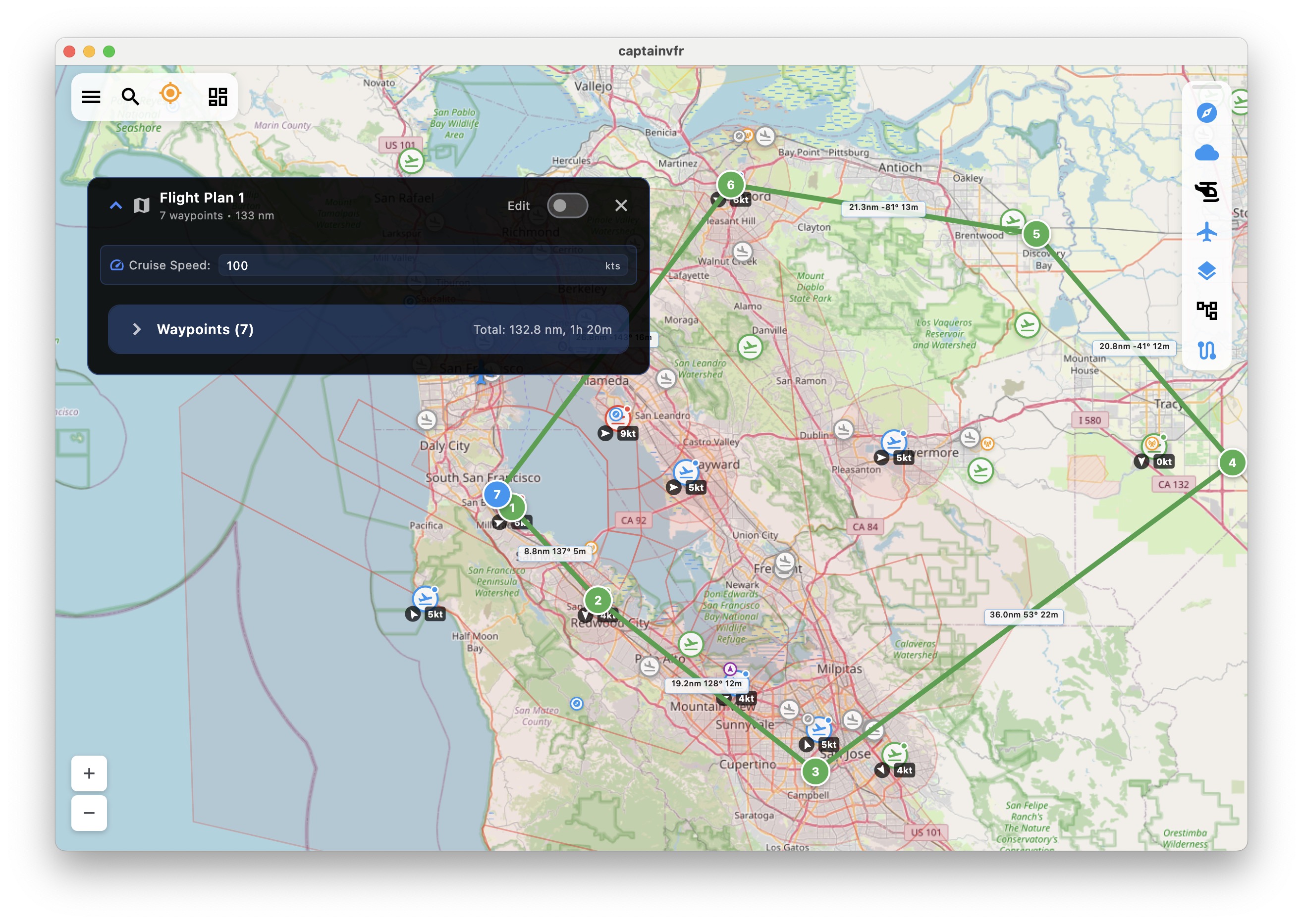
Recent Updates
Latest improvements (January 2025):
- Improved loading indicator positioning - now displays at the bottom of the screen for better visibility
- Redesigned loading panel as a non-blocking, dismissible widget (max 400px wide)
- Loading continues in background even when panel is closed for uninterrupted workflow
- Added quick access to CaptainVFR website from the main menu
- Enhanced user interface for better navigation experience
Choose Your Platform
Download CaptainVFR for your device or use it directly in your web browser.
- iOS - iPhone & iPad
Native iOS app optimized for iPhone and iPad with full offline capabilities. Universal app design, offline map downloads, Apple Watch companion app.
- Android
Full-featured Android app available on Google Play or direct APK download. Optimized for phones and tablets with offline navigation support.
- Desktop - macOS
Native desktop application for macOS (10.15+). Enhanced performance with desktop-optimized interface and multi-window support.
Desktop Downloads
macOS Application
- Download CaptainVFR.dmg - Native macOS app (131MB)
- Requires macOS 10.15 or later
- Supports both Intel and Apple Silicon Macs
Alternative Download Options
For users who prefer direct downloads or need specific versions:
Android APK Direct Download
If Google Play is not available in your region or you prefer direct installation:
Enable Unknown Sources
- Go to Settings > Security
- Toggle “Unknown Sources” or “Install unknown apps”
- Select Chrome or your browser when prompted
Download the APK
- Download CaptainVFR.apk (Version 3.2.1, 45MB)
- Your browser will warn about the file type - tap “OK” to proceed
Install the App
- Open your Downloads folder
- Tap on CaptainVFR.apk
- Follow the installation prompts
Windows Installation
macOS Alternative Installation
For organizations with managed Mac deployments:
# Download via command line
curl -O https://captainvfr.com/downloads/CaptainVFR.dmg

# Mount the disk image
hdiutil attach CaptainVFR.dmg

# Copy to Applications
cp -R /Volumes/CaptainVFR/CaptainVFR.app /Applications/

# Unmount
hdiutil detach /Volumes/CaptainVFR
System Requirements
Minimum Requirements by Platform:
| Platform | Version | Storage | RAM | Notes |
|---|---|---|---|---|
| iOS | 13.0+ | 500MB | 2GB | GPS required for navigation |
| Android | 6.0+ | 500MB | 2GB | Google Play Services recommended |
| macOS | 10.15+ | 1GB | 4GB | Apple Silicon or Intel |
| Web | Modern Browser | N/A | 4GB | Chrome 90+, Safari 14+, Firefox 88+ |
Data Usage
- Initial Download: 200-500MB depending on region
- Chart Updates: 50-100MB
- Offline Mode: No data required after initial download